
Traffic Camera Footage for Accident Reconstruction
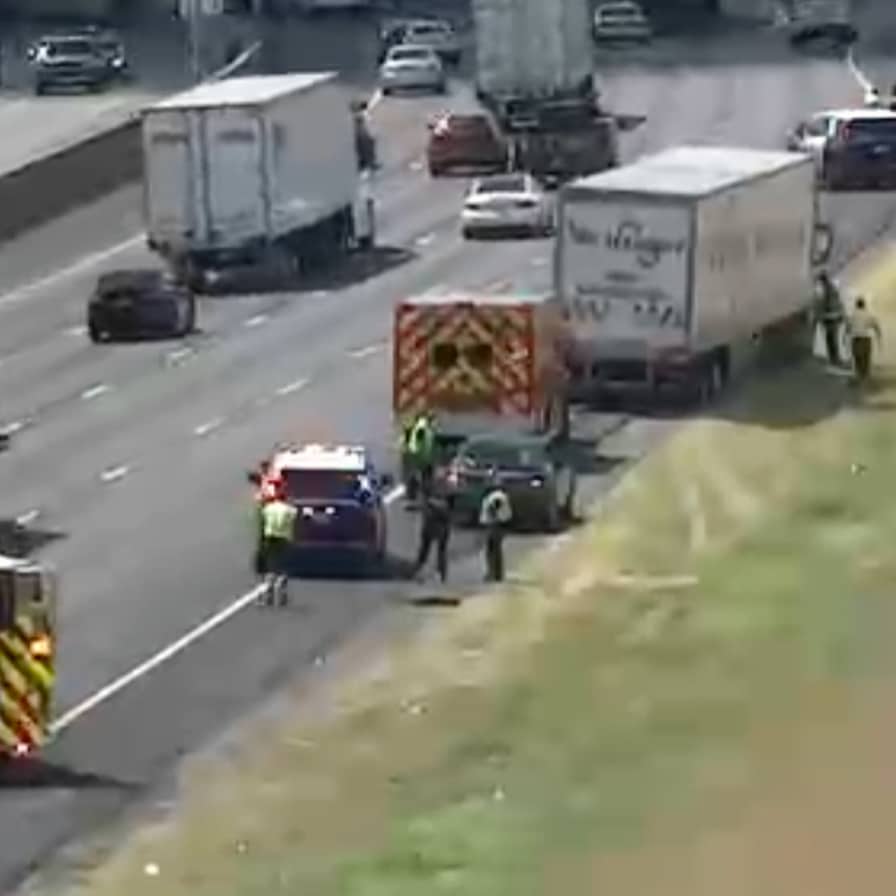 Traffic camera footage for accident reconstruction specialists in their investigations to determine how vehicles moved; compare the sequence of events leading up to an incident; and provide support to one explanation over another.
RoadProof provides authorized reconstruction specialists with access to archived traffic video and incident data for use in determining if there are any video recordings that may be useful as part of their investigation. It is ultimately the responsibility of the reconstruction expert to decide whether the video record will support their observations, measurements, or the technical conclusion they have formed.
Find Video Footage from RoadProof Today
If you're a law firm or business, sign up today to start downloading video.
Start Your AccountRelated Reading
Truck Accident Investigation After a Fatal Crash
Accident Reconstruction Video Evidence vs. Animation
Bring an Additional View Into Your Investigation
Our system includes historic highway video footage and a feed of incidents that identify where they were captured at one of many locations near where they occurred. This enables searches, identification, and downloading of available videos from users who are professionals in their fields.
This new resource for obtaining additional footage will provide other options to those reconstruction companies, forensic investigators, attorneys, and insurance claims handlers, as there are many instances when the only evidence of what happened on the road will come from outside a driver’s vehicle.
You first should verify the states covered by our service and determine if you have access to the appropriate location. The fact that we list a particular state or have cameras nearby does NOT mean we record your incident or that the viewable area of your accident is adequate for analysis.
Using Traffic Camera Footage for Accident Reconstruction
Whether the quality of the video will depend upon the specific question you need answered by your team. Answer this question before you consider a movement you see as a measurable quantity, or draw conclusions based on a short segment of the video.
Establish the Collision Sequence
A camera positioned at the scene may capture lane changes, turning events, cars entering a line of traffic, or the order of successive impacts. These actions may aid in distinguishing the original cause of the accident from subsequent movements made because of a second impact.
Example: If there were multiple vehicles involved in an accident, and a vehicle’s final resting place is known (where it ended up), that location would not establish where the vehicle was prior to the first impact. However, a record of the vehicle’s travel to the point of impact may allow your analyst to determine the difference between those two locations.
Compare Accounts Against Observable Events
Video footage may substantiate or refute witness statements regarding who moved first among vehicles, or where a vehicle entered an intersection. In addition, video evidence may highlight areas where additional evidence is needed, such as whether or not a certain signal was visible to a particular driver.
Consider the full sequence of events leading to the impact rather than just the instant of the impact itself. Also, make sure that your analyst understands the difference between what he sees in the video versus what he infers.
Evaluate Whether Measurement Is Feasible
A suitable video may provide data for determining a vehicle’s position or speed, if both sufficient timing and spatial reference points are present in the video. This determination is dependent upon the suitability of the video and the method used, and not solely on whether or not a vehicle can be seen.
Check Timing and Camera Geometry Before Calculating
Even if your video appears good when played back, it can still contain limitations that will limit an analyst’s ability to reconstruct what happened. The analyst should review both the file/video and view from the camera prior to utilizing it to measure motion.
Frame Timing and Playback
The reported frame rate of a video does not automatically mean there is an equal amount of time between each frame. Frames can be missing due to dropped frames, or they could be timed irregularly. In addition, as with most things in life, there are those who would take a shortcut by converting the original format of the video to another format. This can cause the time between frames to vary. Therefore, the amount of time utilized in your calculation can also vary.
Perspective and Reference Points
What appears to be a certain distance on a computer monitor does not always equate to the actual distance on the road. The viewpoint of the camera, the lens’ perspective, and where the reference points were located all influence how motion will appear.
Validated scene measurements and/or other spatial data may need to be referenced so that images can be correlated to their corresponding locations. If the camera panned/tilted or zoomed while recording, then the analyst needs to determine how this action affected their choice of methodology.
Agreement Between Different Recordings
Two separate cameras viewing the same event may show two different clock times. Prior to combining the views into one timeline, evaluate possible clock discrepancies and identifiable events common to both views.
Evaluate the Video Alongside the Rest of the Evidence
In addition to reconstruction, other potential resources used to determine the order of events include: scene measurements; information from an event data recorder (EDR) related to vehicle damage; photographic images; and accounts provided by witnesses. Instead of expecting video to be able to provide answers to all questions about what occurred, use these resources to challenge the proposed sequence.
A wide-angle camera shot is likely to capture the route a vehicle was traveling when it contacted another vehicle, however, it would likely obscure the point of contact. On the other hand, a closer camera shot could display contact with another vehicle, yet exclude the action of how the two vehicles came into contact.
In addition to showing a possible conflict in sources, video recordings may also demonstrate a source conflict. Such conflicts should be investigated further instead of resolved immediately based on which evidence appears most compelling.
Preserve the Received File and Document Your Work
Save the original file for all acquired media. Identify and document the location of the files, their origin (camera), the date they were obtained, and any other pertinent information about the incident.
Use a backup version of the footage in which you perform an analysis. The integrity of the data should be validated based upon established procedure by your organization.
SWGDE provides video forensics guidance regarding creating working versions of evidence that have been verified. In addition, SWGDE states it is imperative to maintain documentation that permits the ability to reproduce the processes performed. Document each conversion, adjustment made, etc., in order to allow another examiner to know exactly what was done.
Plan the Search Early in the Assignment
Plan the initial search early on in the project. The sooner you can identify where the incident took place, when it occurred (date) and at what time of day; along with identifying all approaches that are relevant to the investigation of the event(s), the better. This will allow you to plan how the sequence of events is going to be evaluated by your team.
Ensure you confirm recording availability immediately. Video retention and video recording procedures vary from source to source. Also, a footage search does not establish or provide the litigation timeline. Work with counsel to coordinate preservation, discovery, and/or expert disclosure deadlines instead of substituting the availability of archived material for the timelines of your case.
Frequently Asked Questions
Does RoadProof Perform Accident Reconstruction?
You have access to archived traffic video and incident data through this service. Your retained reconstructionist/forensic analyst will be responsible for conducting the analysis and developing any technical opinions regarding your case.
Can a Recording Be Useful Without Showing the Impact?
Yes, based upon the nature of the issue(s) that are being investigated. A recording may provide an image of an approaching vehicle; show where vehicles were positioned prior to impact (lane position); or indicate subsequent movements (e.g., leaving the scene), even if the actual impact cannot be seen.
It is essential that your analyst clearly explains what part of the body of evidence provided by the recording does support the findings, but also what still remains to be determined.
Does an Incident Match Confirm That the Crash Is Visible?
No. An incident associated with a nearby camera is just one area to begin reviewing, as opposed to confirming that the collision was recorded on that camera.
Determine, via review of the recording, where it was taken relative to the incident location; verify that there was pertinent time involved and that activity was observable during the relevant time frame. Also document any discrepancy between the incident report information and the footage.
What Should Our Company Confirm Before Using the Platform?
Determine the areas covered by RoadProof at locations relevant to your organization. Ask about any professional access requirements that need to be met in order to utilize the system. Also ask about what types of recordings are available for viewing; how files will be delivered to your organization; and what is the cost for membership. As it relates to technical aspects of using the system, ask about what type of source and recording information will be provided with each piece of footage.
These questions will enable your team to make an educated determination of whether the available information is sufficient to meet the requirements of the assignment.
Last updated Monday, November 2nd, 2026